ContactMerge+ · Guide
When View Duplicates doesn’t appear on a large contact list
If your iPhone address book is very large, Apple Contacts may not show View Duplicates or Merge Duplicates at all. That is a different problem from “the scan missed some matches”—sometimes the button never appears.
Two different “View Duplicates” problems
People search for missing merge tools and for missed duplicates as if they were the same issue. They are not:
- Button missing / feature not available — you cannot find View Duplicates or Merge Duplicates in Contacts at all. This guide is about that gap, especially on large address books.
- Scan ran, but skipped formatting variants — the system tool is visible and finds some pairs, yet leaves country-code or punctuation twins behind. That is covered in the country-code guide.
Mixing the two leads to the wrong next step. If the control is gone, “try harder in View Duplicates” will not help until an entry point exists again—or you use another careful path on device.
Why is Merge Duplicates not showing on my iPhone?
On a very large contact list, community reports often cite around 1,000+ contacts: Apple Contacts may hide or simply not offer the built-in merge UI. Users describe looking in the places where View Duplicates normally appears and finding nothing—not a empty list of results, but no control to open.
That matches what some people report after talking with Apple support and testing on their own: drop the book below a large-book threshold and the merge UI can show up again; stay large and it can stay missing. Treat the ~1,000 figure as a reported / often-cited community observation—not an official Apple documented hard limit or guarantee.
A short community write-up of that experience is on Ask Different. We link it as a report, not as product proof, and we do not post promotional answers there.
Contacts merge button missing — checklist before you assume the worst
- Confirm you are in the Contacts app (or the Contacts tab inside Phone), not only searching Settings for a nonexistent toggle.
- Update iOS when you can; wording and placement of View Duplicates can vary by version.
- If you recently imported a huge VCF / Google dump into iCloud, note the size of the book. A four-digit contact count is exactly when people report the system entry vanishing.
- If View Duplicates is visible but leaves obvious twins behind, switch to the formatting / country-code guide—that is a matching problem, not a missing-button problem.
What this is not claiming
- We are not saying Apple publishes a hard “1,000 contacts” rule in its public docs. Use cautious language: may, can, often reported, around 1,000.
- We are not saying ContactMerge+ “fixes Apple’s hidden button” or restores the system control. When the built-in entry is unavailable, you still need a careful on-device scan and preview merge of your own.
- We are not recommending deleting hundreds of contacts just to coax the system UI back—especially without a backup you trust.
Too many contacts on iPhone — a careful path when the system UI never shows up
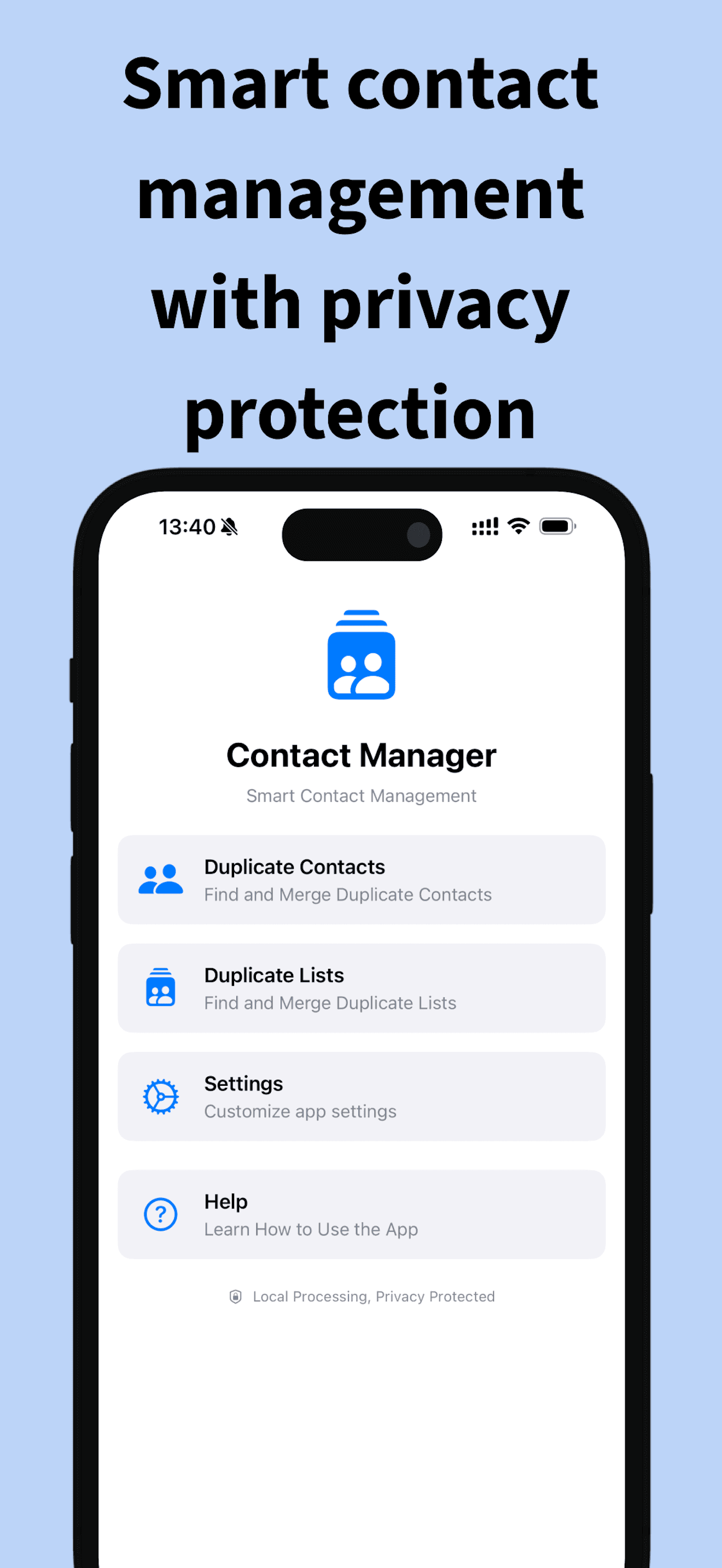
When the system merge entry point is not available, you still need the same safe habits: scan on device, preview each group, keep the phones and emails you care about, and prefer Undo / Recovery over rushing. ContactMerge+ Cleaner is built for that cleanup flow on iPhone—especially when duplicates came from repeated VCF or Google imports into iCloud and the built-in control simply is not there.
- Open ContactMerge+ and run a scan (Contacts permission required). Work stays on device.
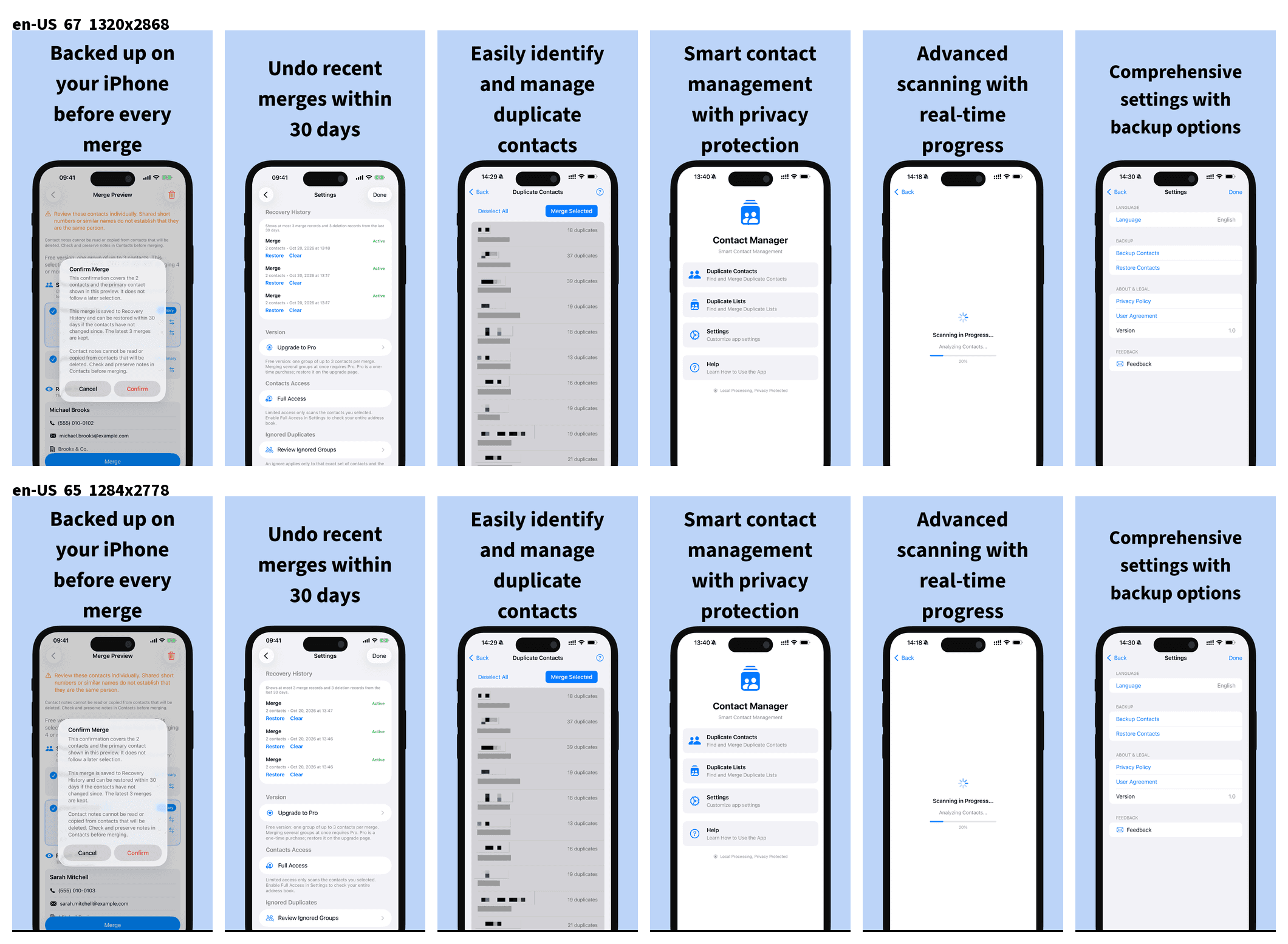
- Review groups. Prefer preview before any write. For the full habit (primary pick, Notes caveat, Free vs Pro), follow How to merge contacts safely.
- Use Undo last merge or Recovery History (last 3 merges or deletes, about 30 days, on device) if a confirm did not feel right.
How ContactMerge+ helps here (honest boundary)
ContactMerge+ does not claim to re-enable Apple’s missing control. It gives you another on-device path: find likely duplicate groups, split Ready to merge (strict) from Needs review, preview before merge, and reverse recent mistakes with Undo / Recovery. Contacts are not uploaded to our servers for processing.
Free: one duplicate group at a time, maximum 3 contacts in that group. Pro is a one-time App Store unlock (price shown for your country)—not a subscription—and can batch only Ready to merge groups. Needs review stays manual.
Related guides
- Why View Duplicates often misses country-code duplicates — when the button exists but formatting twins stay behind.
- How to merge contacts safely — preview, primary, Undo / Recovery, Notes caveat.
Get ContactMerge+ on the App Store
Related: Country-code misses in View Duplicates · How to merge contacts safely · Support